Docs
Manage Your Assets
Manage Your Assets
How to manage your assets in the Product Lens AI app
By default the app will save all your assets that you create in the app.
You can access your assets from the ‘Assets’ tab in the sidebar.
Clicking them will add them to the canvas, ready to use.
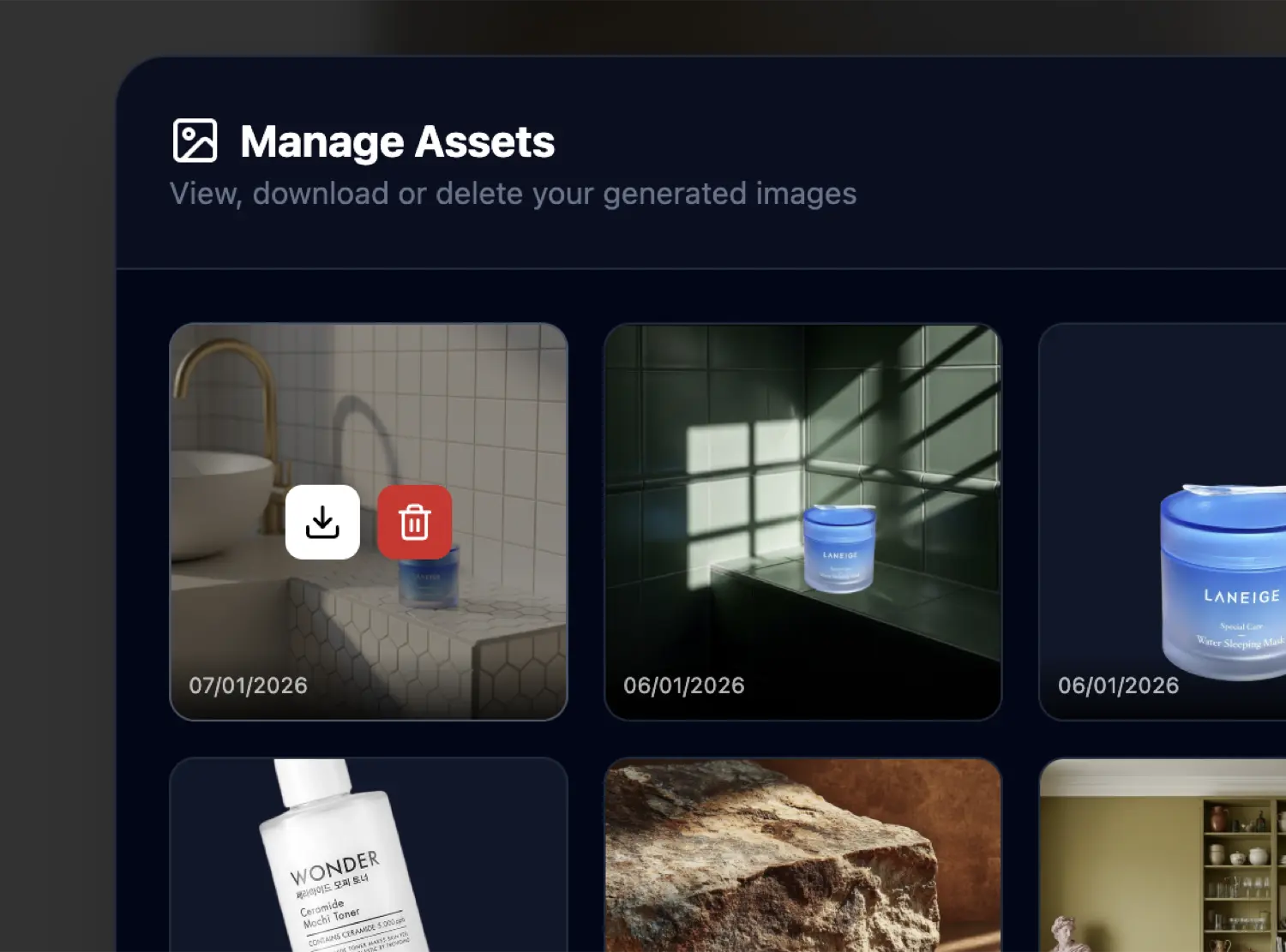
Clicking the ‘Manage’ button will open a popup where you can manage your assets.
From here you can delete assets, or download them.