Studio Photoshoot Creator
How to use the Product Lens AI Studio Photoshoot Creator
Our most popular tool, the Studio Photoshoot Creator, is a powerful tool that allows you to create professional photoshoots of your products.
To access the Studio Photoshoot Creator, simply upload a photo of your product, and click the ‘Studio’ button from the floating toolbar or sidebar.
You can select from a range of different studio scenes, or describe your own scene to create a custom studio scene.
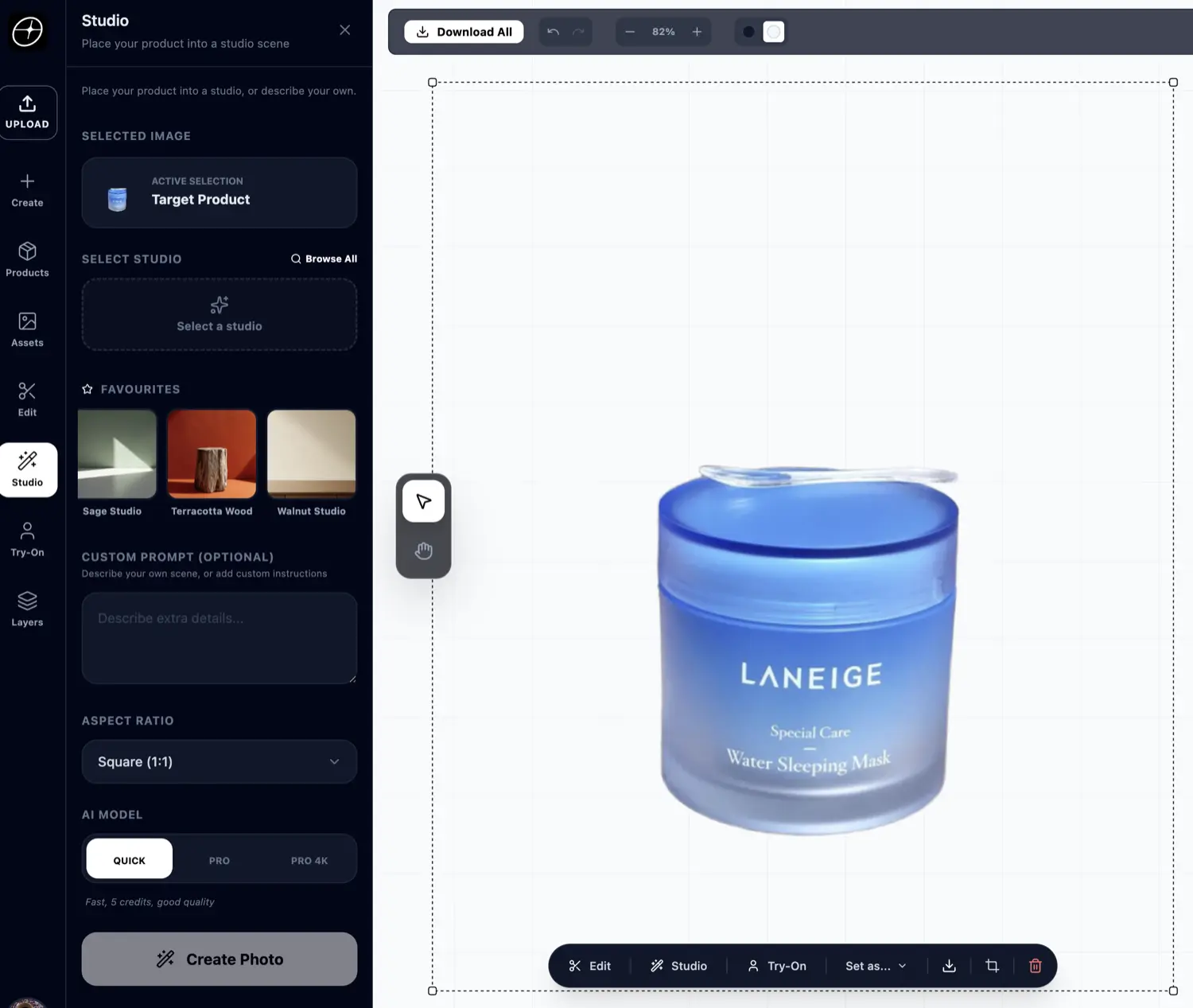
Once you’re happy, simply click the ‘Create’ button to create your photoshoot. It will take a few seconds for the AI to create your photoshoot.
Our AI will then create a professional photoshoot of your product, while keeping all the product details intact including text and branding.
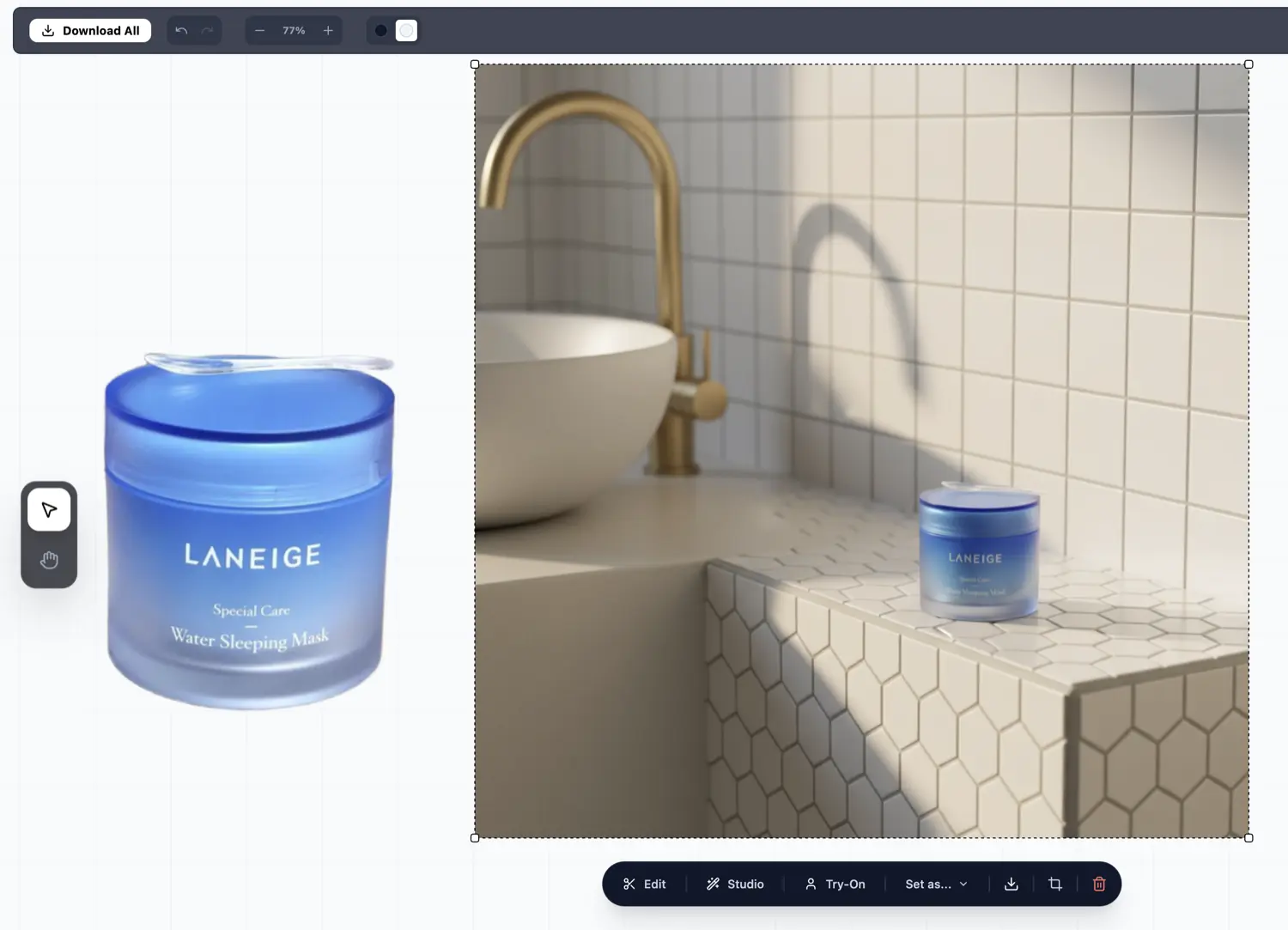
Tips for getting the best results
- Make sure the correct image is selected on the canvas first, this is shown in the ‘Target product’ section.
- If you want to describe your own scene, make sure you don’t have a preset selected, and instead use the ‘Custom prompt’ section to describe your scene.
- To save credits, use the ‘Quick’ AI model first, then if you’re satisfied with the result, you can use the ‘Pro’ AI model to get a better result.
On This Page