How to Style Houseplant Planters for Product Photos
Styling Your Planters to Sell Great product photos don't just show a product; they tell a story
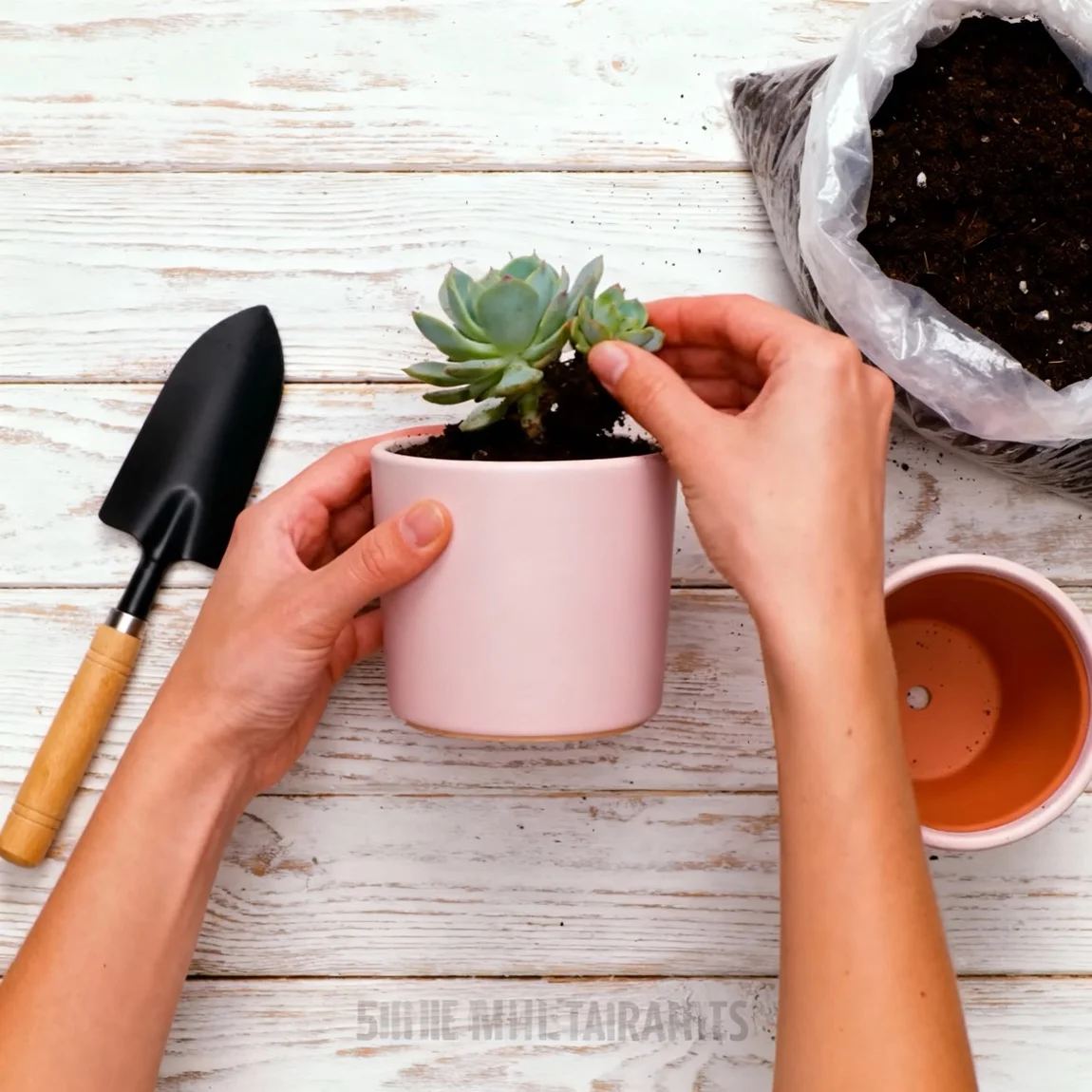
A top-down action shot shows hands potting a plant into the product, surrounded by gardening tools.  This image captures the unboxing experience, showing the planter in its branded, protective packaging.
 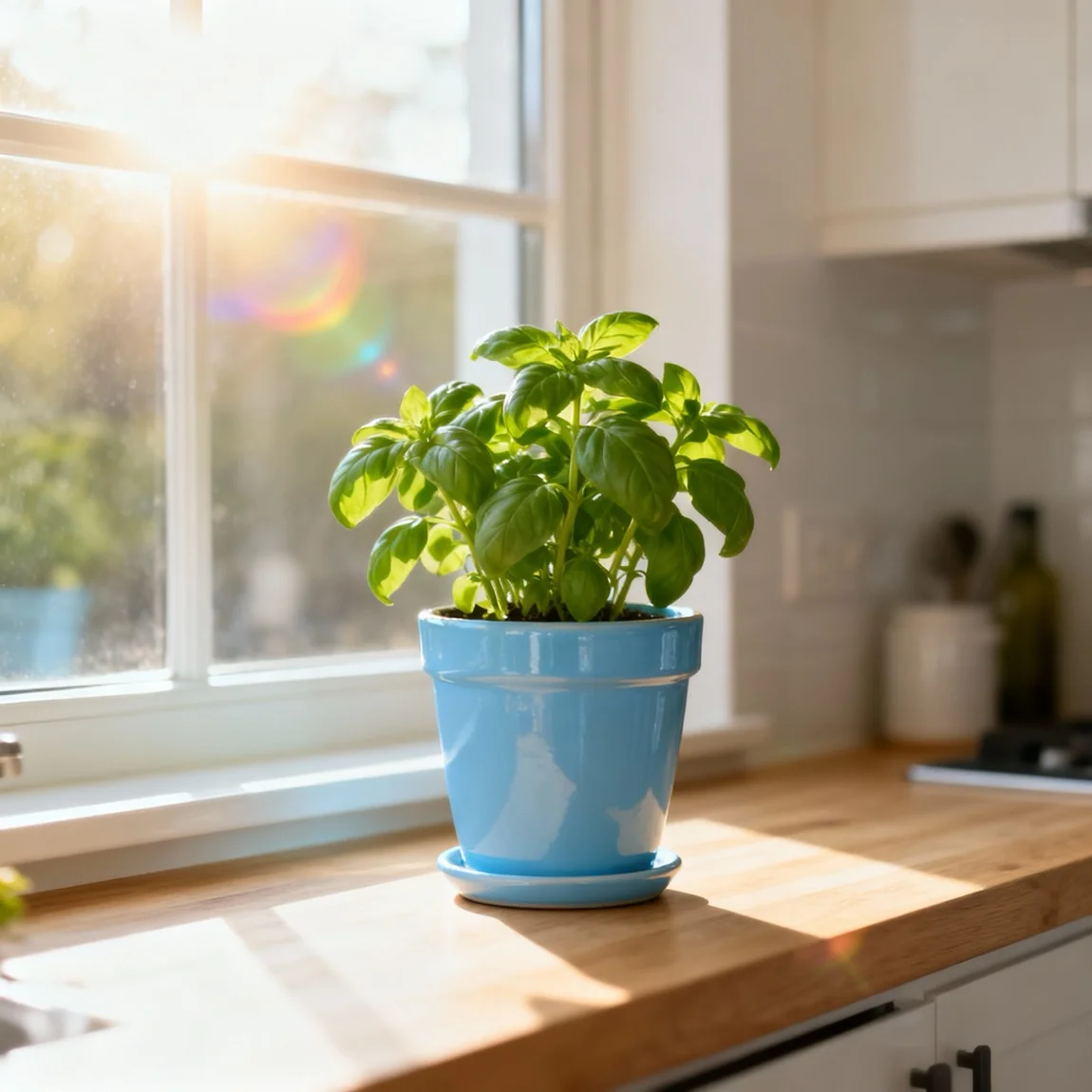 The planter holds a fresh herb plant on a sunny kitchen windowsill.
 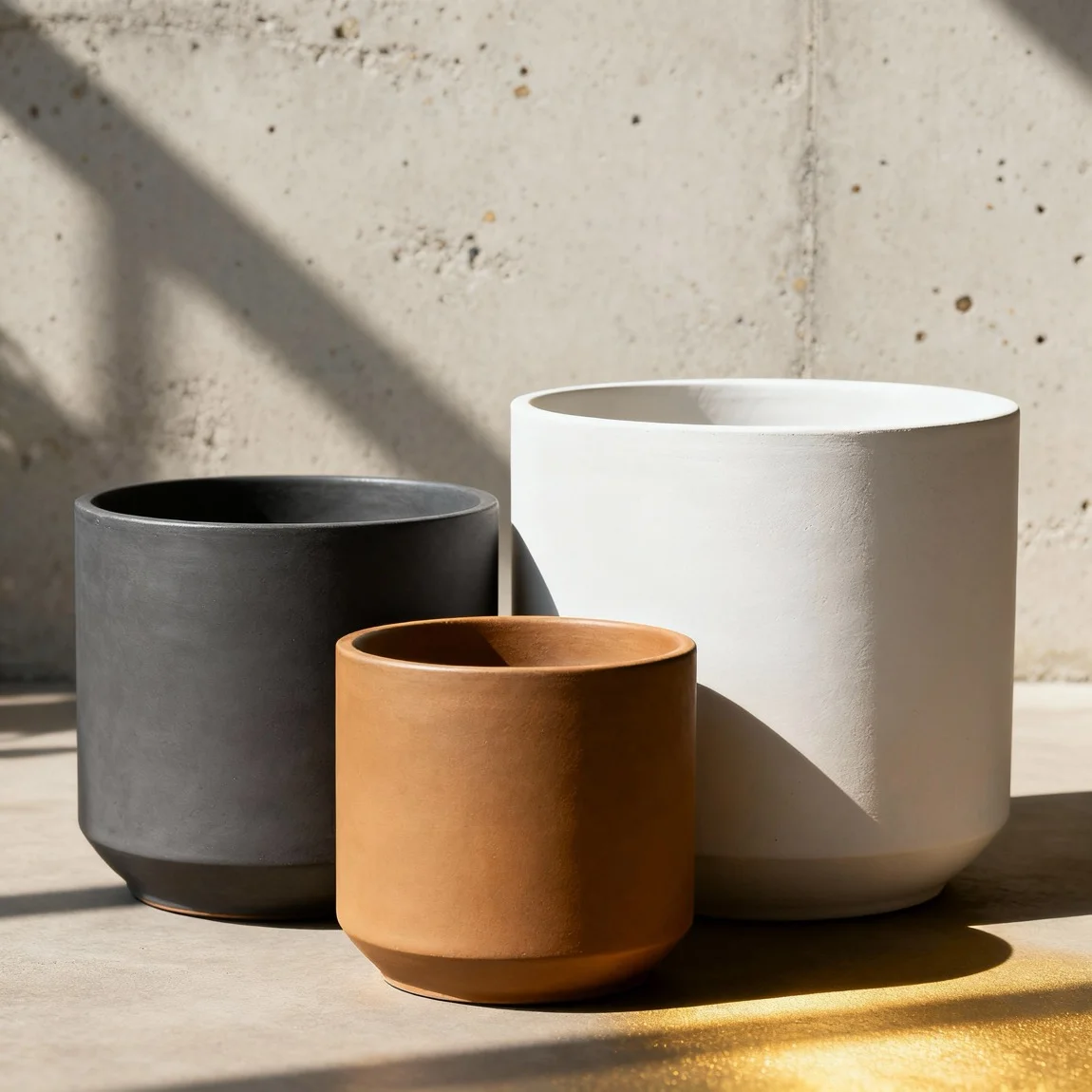 A group shot displays a 'family' of planters in different sizes and harmonious colors.
 Styling Your Planters to Sell
Great product photos don’t just show a product; they tell a story. Styling your houseplant planters helps customers imagine them in their homes, making them far more likely to buy. Here are three key styling tips.
1. Create a Lifestyle Vignette
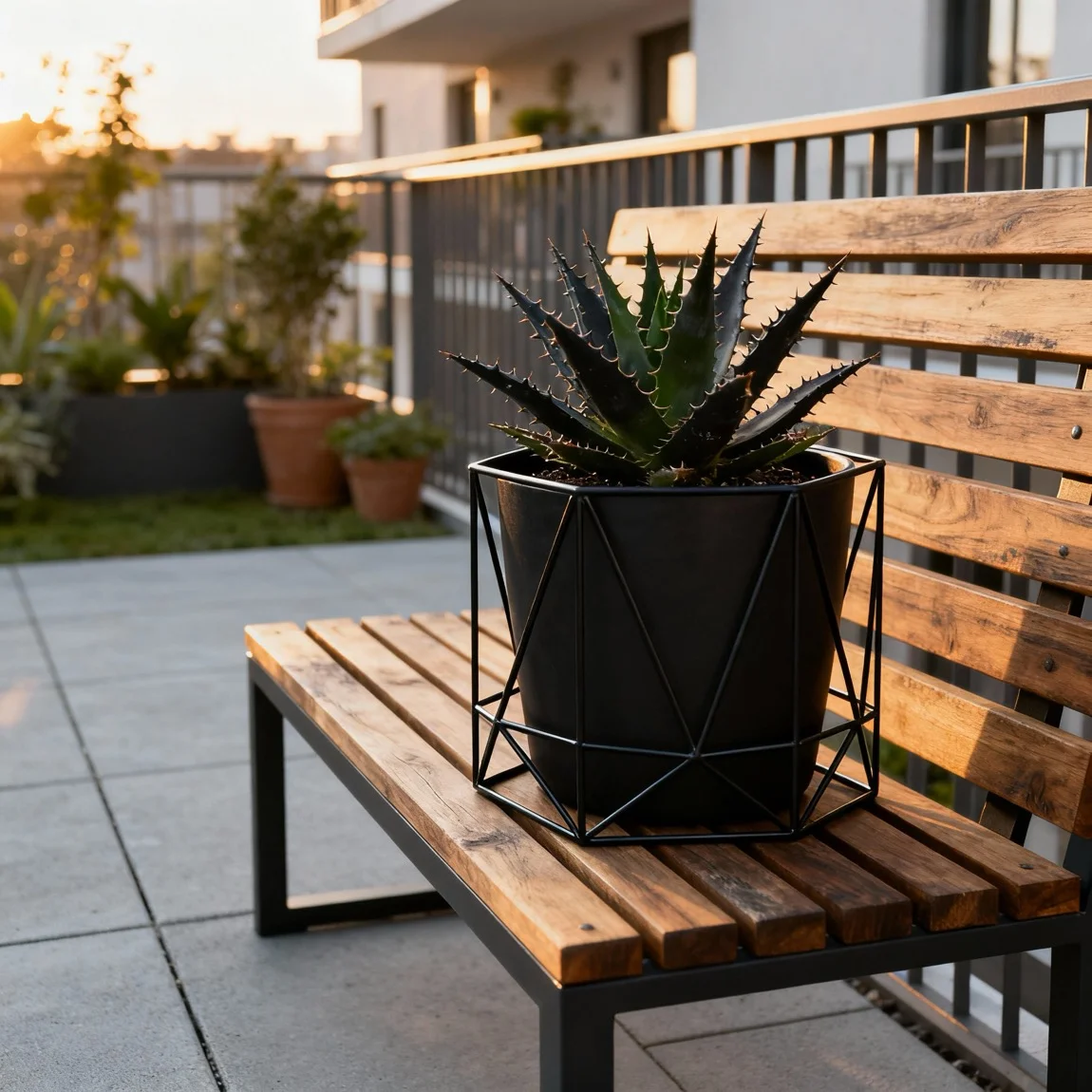
- Don’t just photograph the planter alone. Place it in a realistic setting. Style it on a bookshelf next to some books, on a modern side table, or on a rustic wooden stool. This context is crucial for helping customers visualize the product.
2. The Perfect Plant Pairing
- The plant you use matters! Choose a plant that complements the planter’s style. A sleek, modern planter might look great with a snake plant, while a rustic, terracotta pot is perfect for a trailing pothos. The goal is a harmonious look.
3. Show Off Collections
- If you sell planters in different sizes or colors, style them together in a group shot. This not only looks visually appealing but also subtly encourages customers to purchase multiple items to create their own curated collection.
Effortless Styling with AI
Buying different props, finding the right plants, and rearranging your home for every single planter is time-consuming and expensive. What if you could create countless styled scenes from a single photo?
With Product Lens AI, you can.
Use our AI Drag-and-Drop Photoshoot Creator to add your planter into professionally designed lifestyle images. Or, use our scene generator to instantly create unique, perfectly styled environments around your product. From a sun-drenched windowsill to a chic office desk, you can generate an entire library of stunning, styled photos in minutes, helping your customers fall in love with your planters.
Create photos like this for your products!
Styling Your Planters to Sell Great product photos don't just show a product; they tell a story
Transform your houseplant planter photos nowRelated Styles
How to Photograph Houseplant Planters for Etsy
Make Your Planters Pop on Etsy On a crowded platform like Etsy, your product photos are your most powerful sales tool
Product Photos of Houseplant Planters for Instagram Marketing
Stop the Scroll with Stunning Planter Photos Instagram is a visual-first platform
Frequently Asked Questions
Get quick answers about creating on-brand interior styles with Product Lens AI.