How to Style Stickers for Instagram Photos
Create Scroll-Stopping Instagram Content for Your Stickers On Instagram, context is king
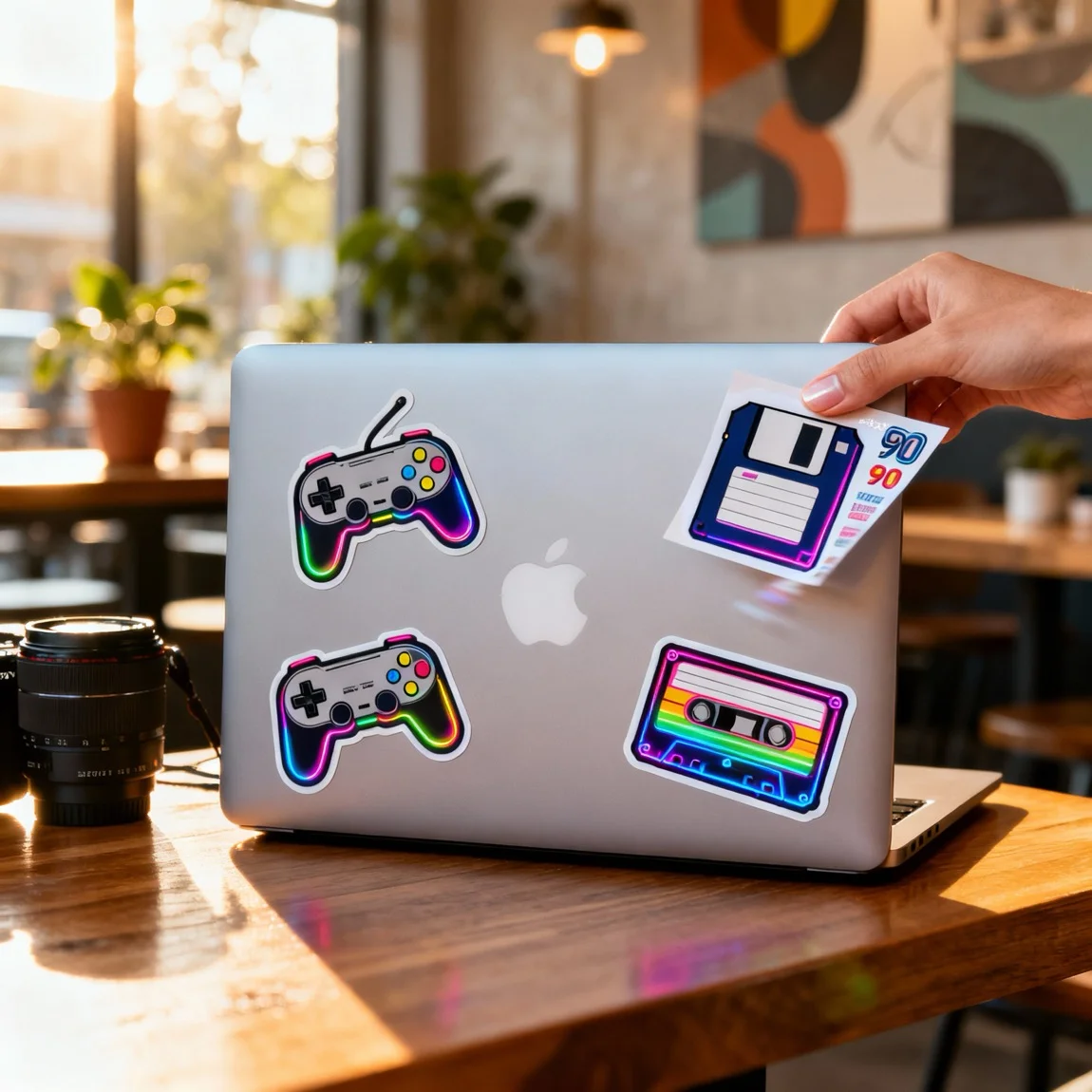
This is a relatable lifestyle image of a laptop decorated with stickers, with the original sheet held in hand nearby. 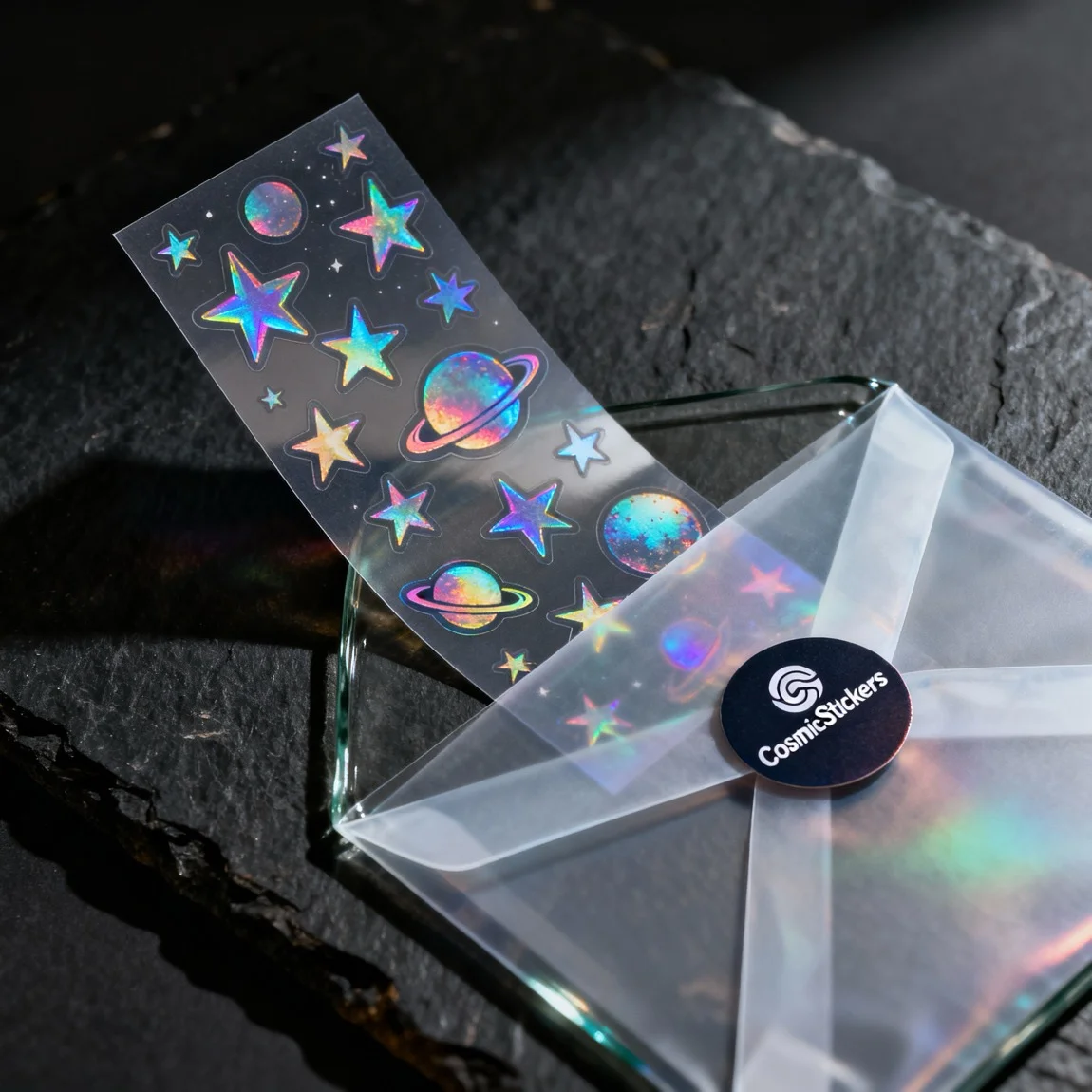 This is a dramatic macro shot focused on the premium packaging and the 'unboxing' experience of a holographic sticker sheet.
 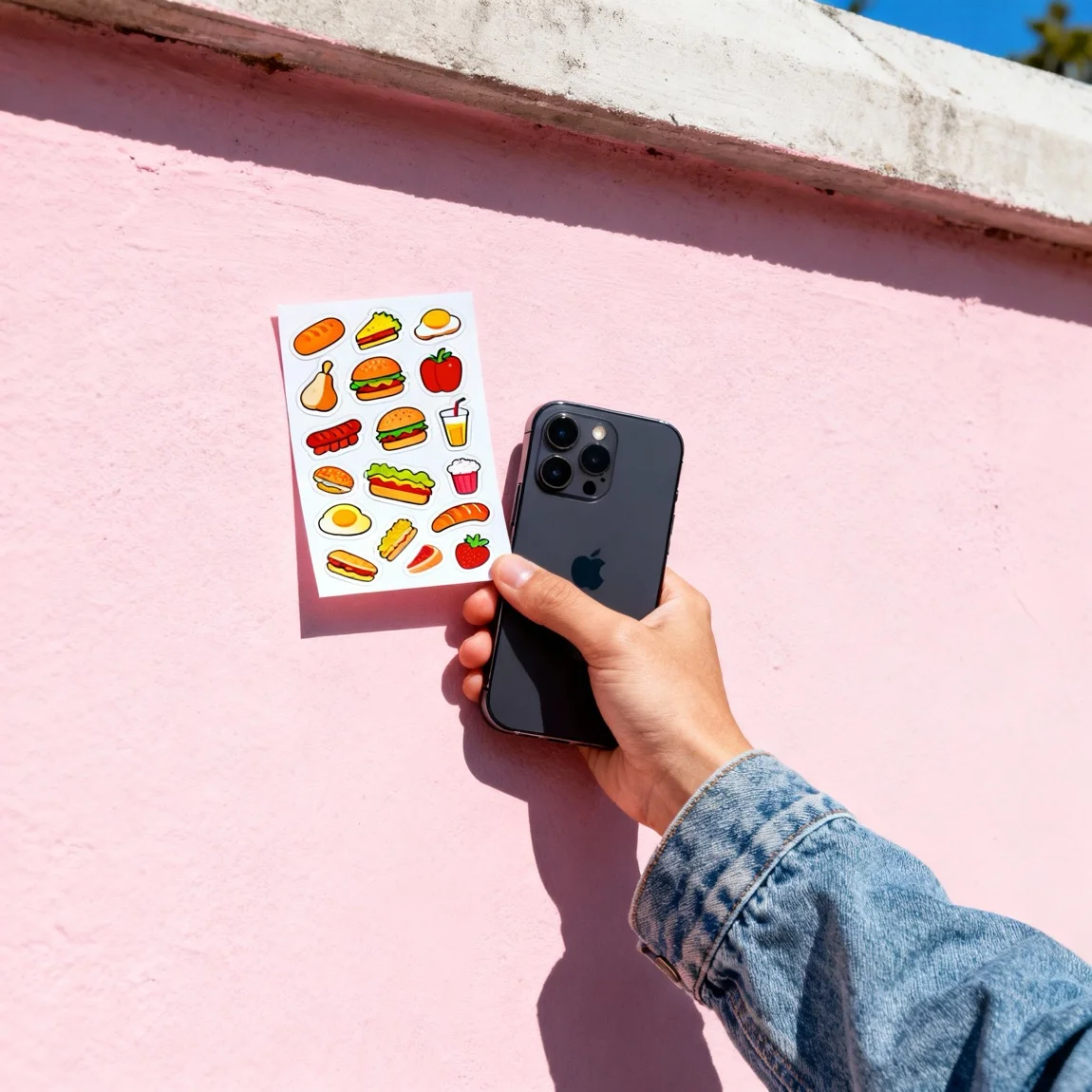 This is a casual, eye-level photo of a person holding the sticker sheet in their hand against a colorful wall.
 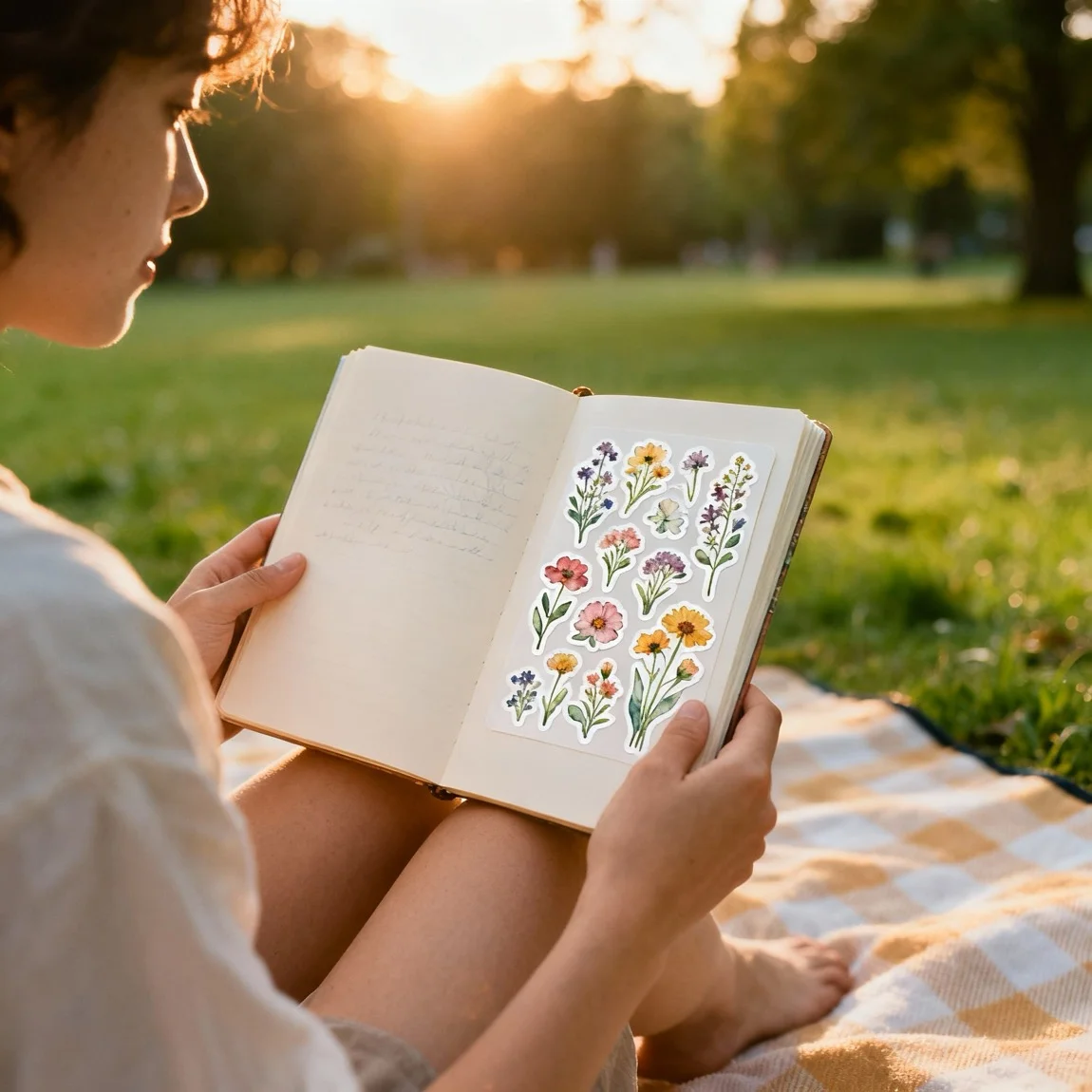 This is an atmospheric lifestyle shot of a person using the stickers in a sketchbook during a golden-hour picnic.
 Create Scroll-Stopping Instagram Content for Your Stickers
On Instagram, context is king. Customers want to see how your stickers fit into their lifestyle. It’s about selling an aesthetic, not just a product. Here are some styling tips:
- Build a Thematic Flat Lay: A flat lay is a classic for a reason. Arrange your sticker with props that match its theme. For a coffee-themed sticker, pair it with a mug, coffee beans, and a croissant. For a travel sticker, use a passport, a map, and a camera.
- Show, Don’t Just Tell: Instead of just posting the sticker, show it in action. Stick it on a trendy laptop covered in other stickers, or show it peeking out of a journal. This inspires your followers and helps them visualize owning it.
- Create a Color Story: Group stickers and props that share a cohesive color palette. This creates a visually stunning image that reinforces your brand’s aesthetic and looks great in an Instagram grid.
Generate Endless Lifestyle Photos with AI
Constantly sourcing props and finding new locations for photos is a major drain on time and resources. What if you could generate an infinite variety of lifestyle shots from your desk?
With Product Lens AI, you can create a month’s worth of content in minutes.
- Instant Lifestyle Scenes: Upload your sticker design and let our AI generate endless lifestyle photos. Place your sticker on a skateboard, a guitar case, or a perfectly styled vanity—no props needed.
- Natural Language Editing: Want to change the lighting or add a prop? Simply type what you want. For example, “Add a steaming coffee mug on the left side” and watch the AI do the work.
Don’t let content creation slow you down. Generate stunning Instagram photos for your stickers with Product Lens AI.
Create photos like this for your products!
Create Scroll-Stopping Instagram Content for Your Stickers On Instagram, context is king
Transform your sticker sheets photos nowRelated Styles
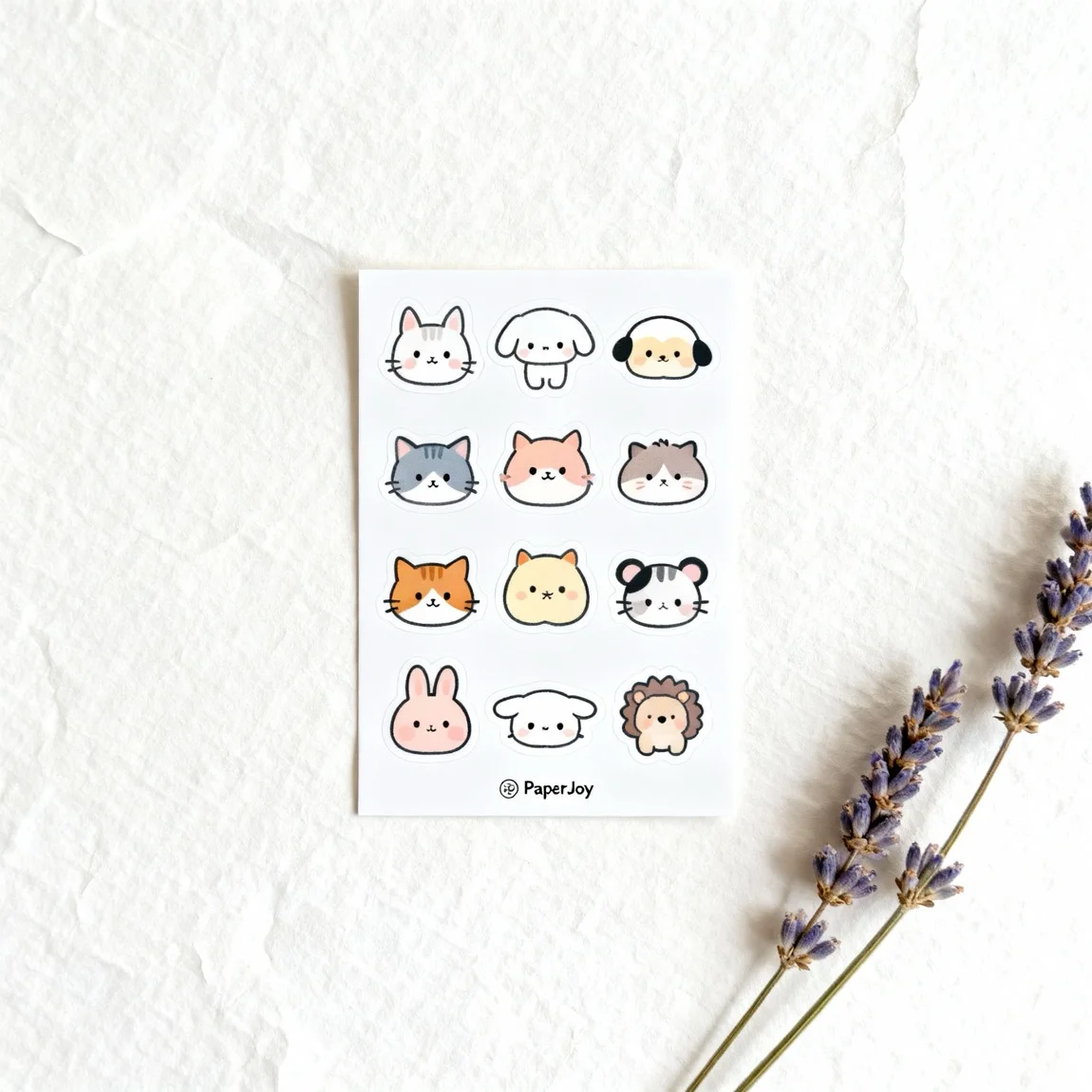
How to Photograph Stickers for Etsy Listings
Essential Tips for Standout Sticker Photos on Etsy Great photos are non-negotiable for a successful Etsy shop
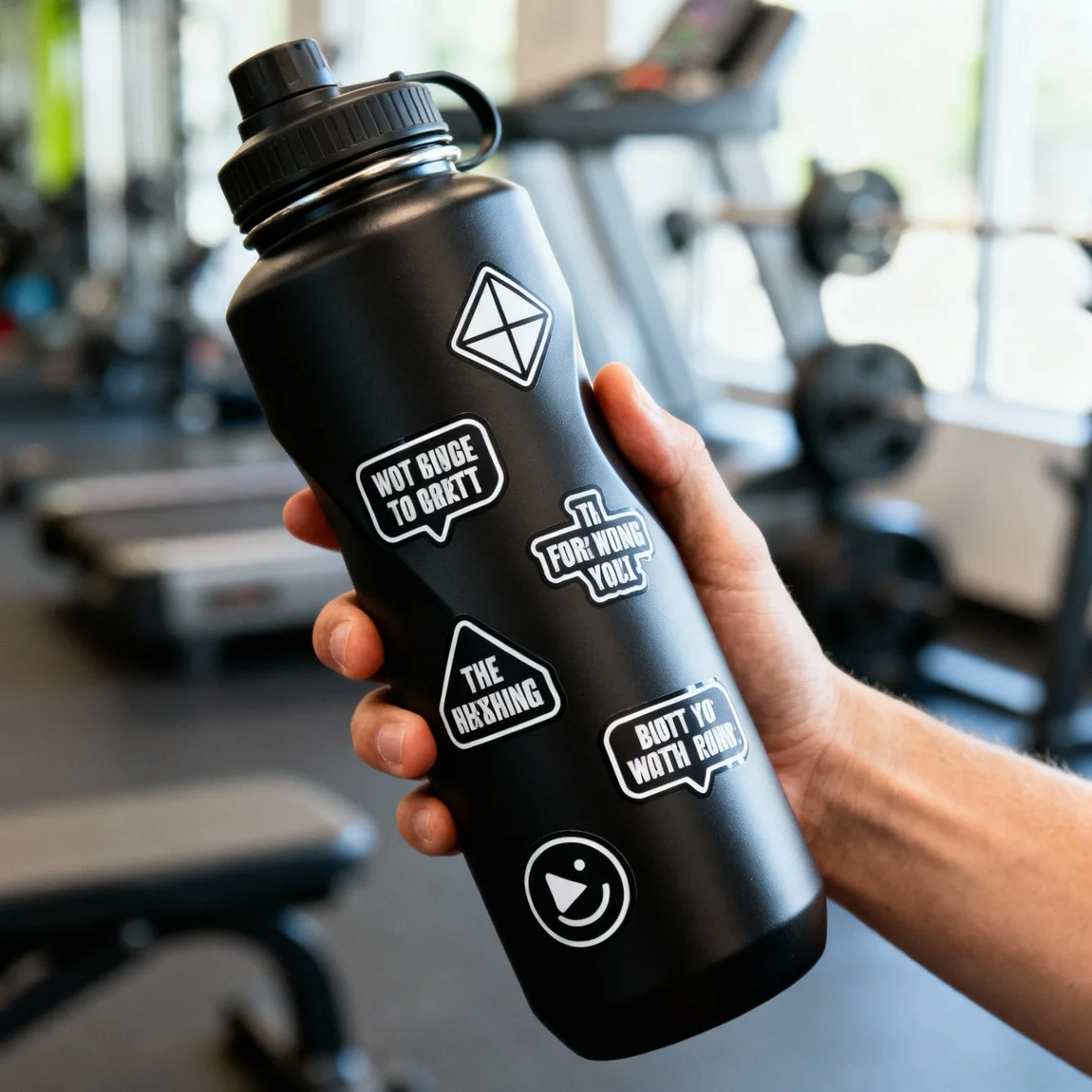
Photography Ideas to Boost Sticker Sales Online
3 Photography Concepts That Drive Sticker Sales To turn browsers into buyers, your product photos need to do more than just show the product—they need to sell the experience
Frequently Asked Questions
Get quick answers about creating on-brand interior styles with Product Lens AI.