Photography Ideas to Boost Sticker Sales Online
3 Photography Concepts That Drive Sticker Sales To turn browsers into buyers, your product photos need to do more than just show the product—they need to sell the experience
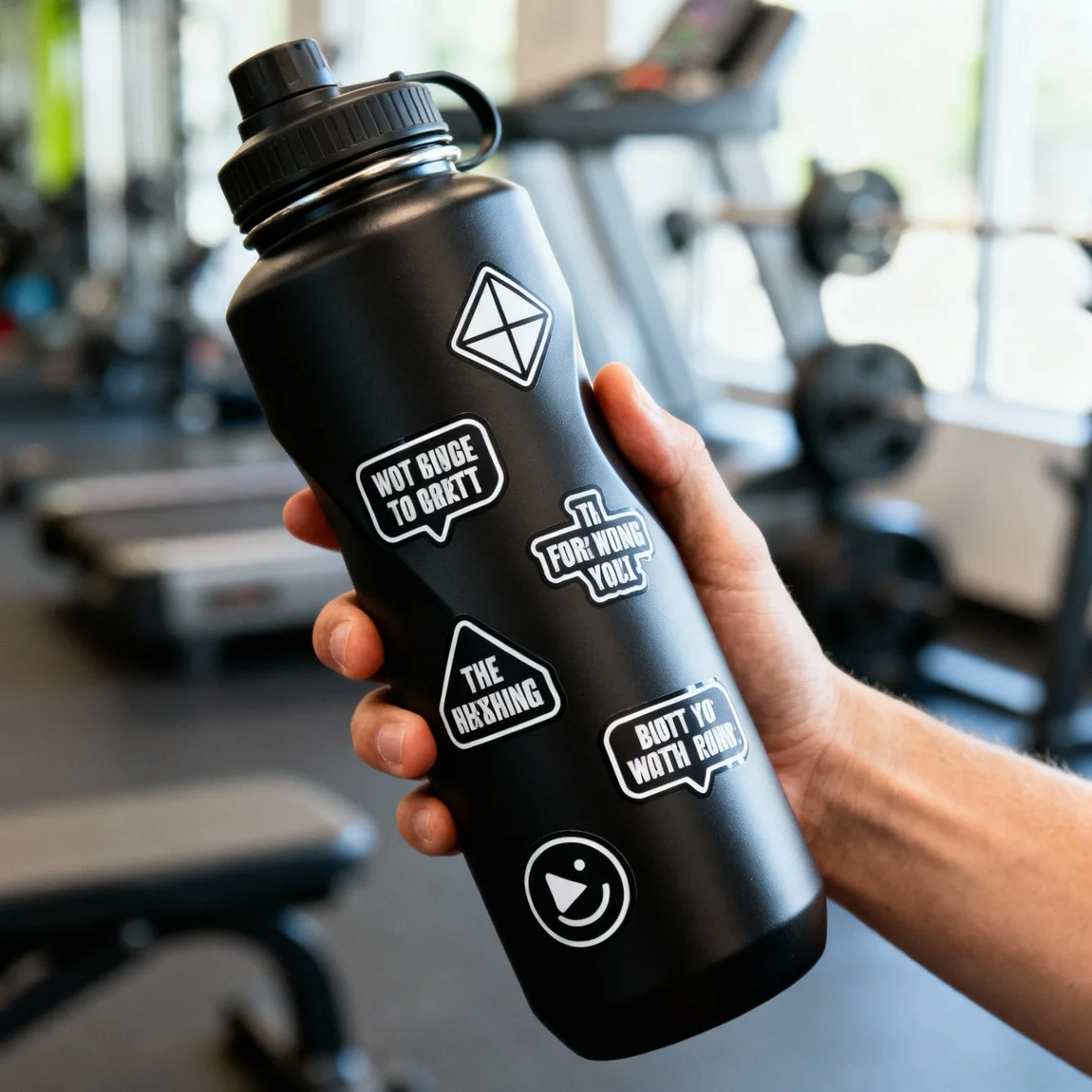
This is a close-up shot highlighting the durability of vinyl stickers on a reusable water bottle in a gym setting. 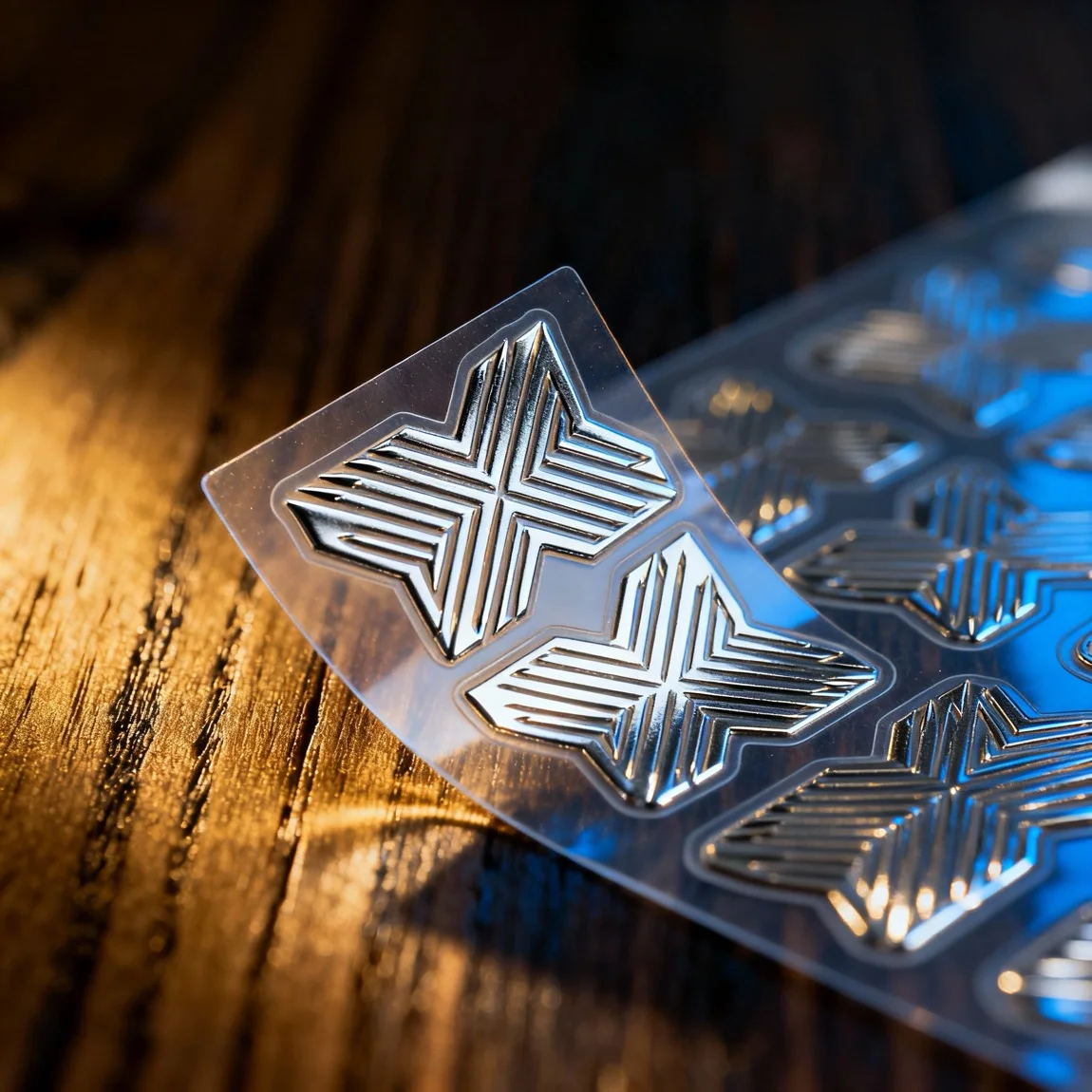 This is an extreme close-up, angled macro shot designed to highlight the metallic, reflective quality of the stickers.
 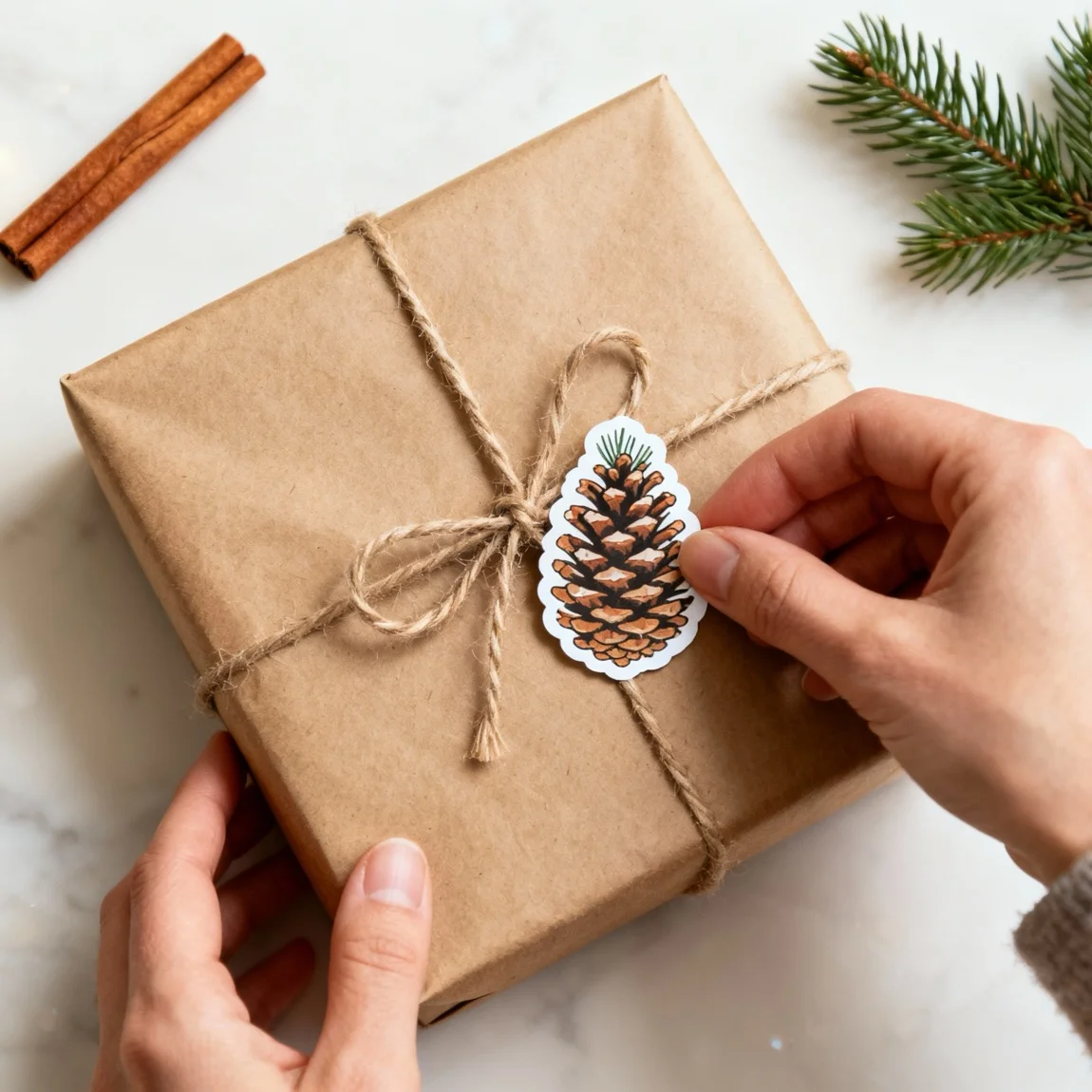 This is a festive flat lay showing the stickers being used to decorate and seal a wrapped gift.
 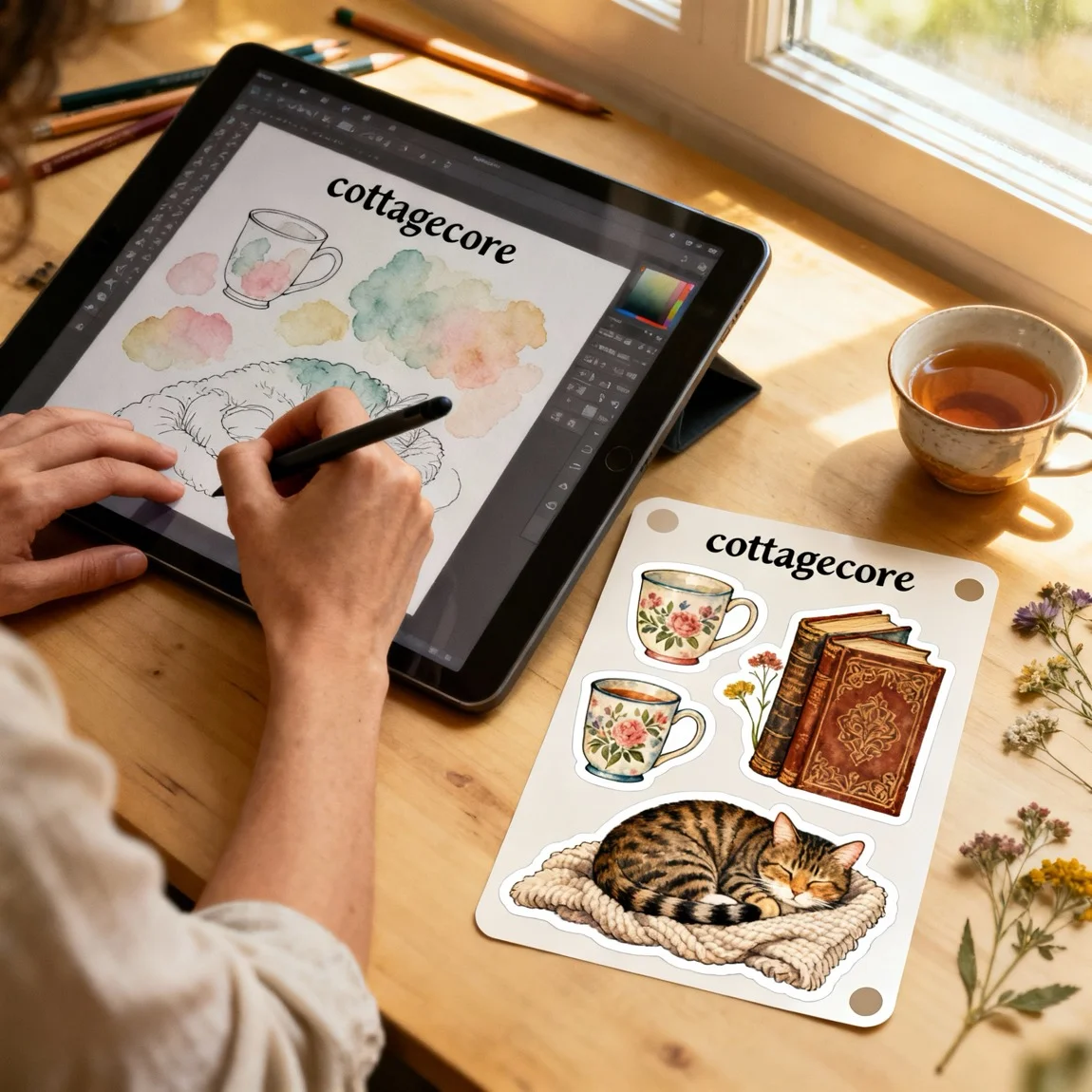 This behind-the-scenes shot connects the digital design process on a tablet to the final, physical sticker sheet product.
 3 Photography Concepts That Drive Sticker Sales
To turn browsers into buyers, your product photos need to do more than just show the product—they need to sell the experience. Here are three powerful photography ideas to implement:
-
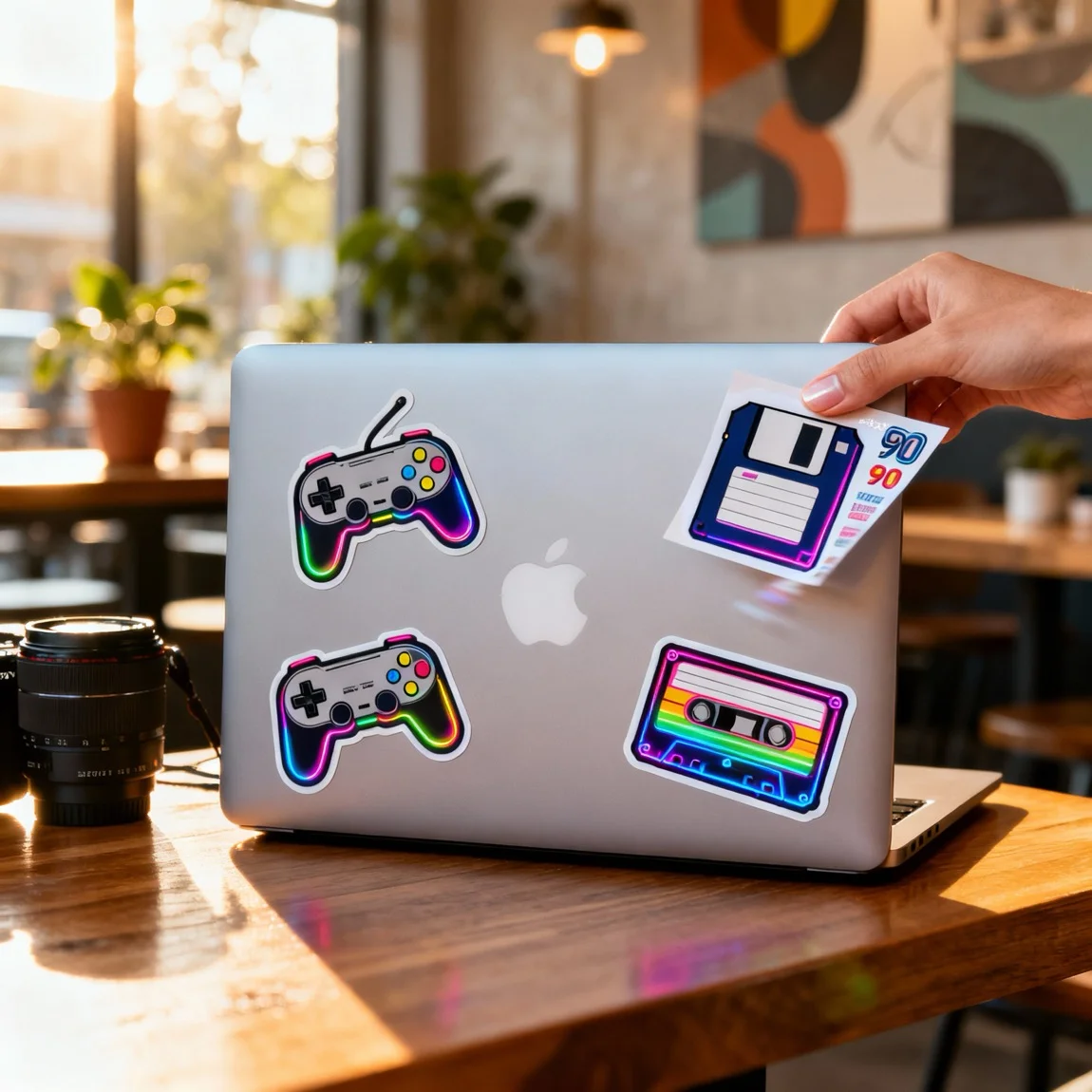
The ‘In-Context’ Mockup: This is the most crucial shot. Show your sticker on the types of surfaces your customers love: laptops, phone cases, water bottles, notebooks, and car windows. This immediately answers the question, “Where would I put this?” and makes the purchase decision easier.
-
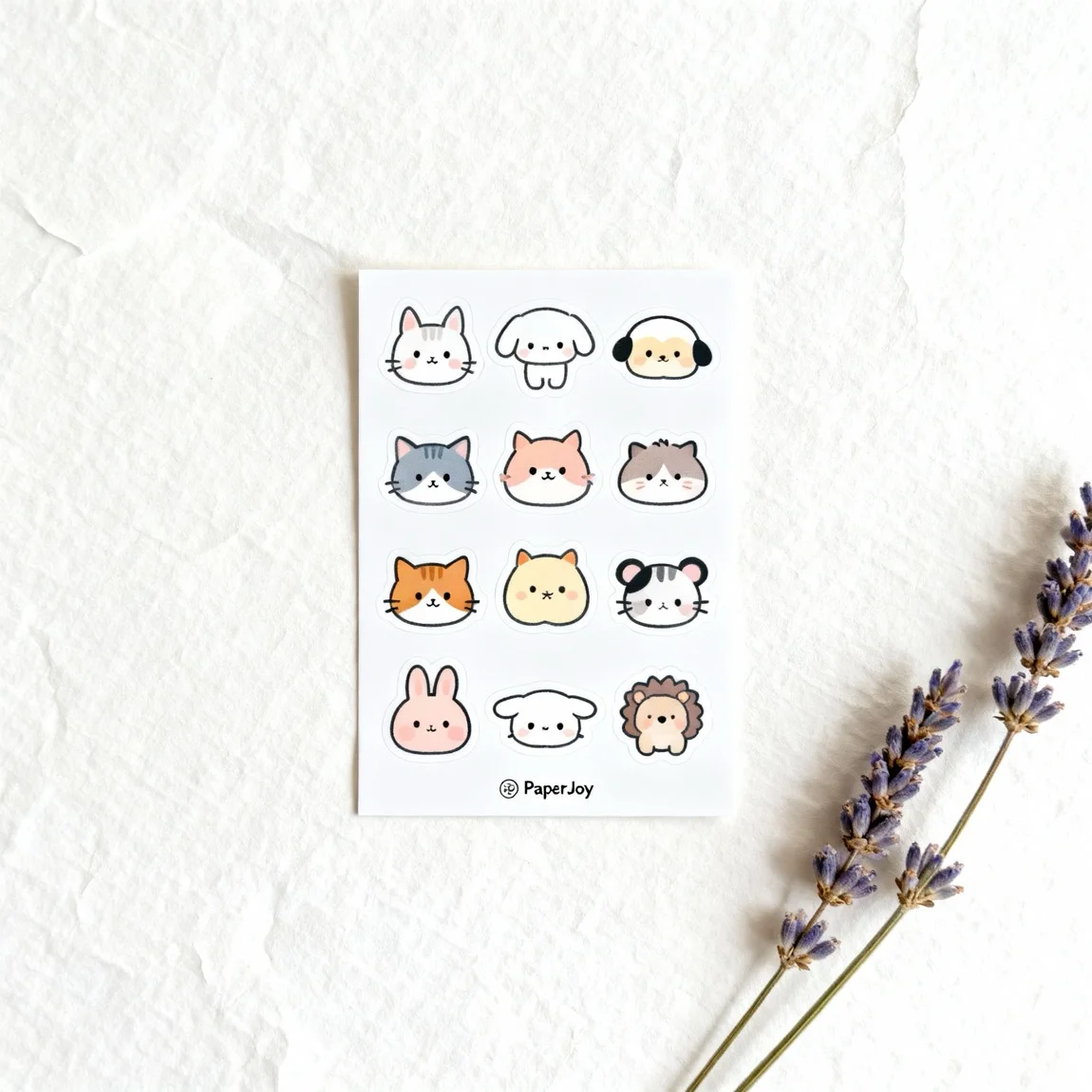
The ‘Collection’ Showcase: Don’t just sell one sticker; sell a theme. Artfully arrange a group of your related stickers in a single photo. This creates a powerful visual and encourages customers to buy multiple items to recreate the look.
-
The ‘Themed Vibe’ Shot: Create an entire scene around your sticker’s theme. If you have a spooky Halloween sticker, place it in a scene with pumpkins and autumn leaves. For a floral sticker, create a bright, spring-themed flat lay. This helps sell the feeling associated with your design.
The Effortless Way to Execute Every Idea
While effective, creating these diverse shots for your entire collection is a massive undertaking. It requires props, space, and a lot of editing time.
Product Lens AI is your all-in-one solution to create these high-impact images instantly.
- For ‘In-Context’ Mockups: Our AI Scene Generator can place your sticker on hundreds of popular items in just a click.
- For ‘Collection’ Showcases: Use our AI Drag-and-Drop Photoshoot Creator to arrange multiple stickers on any background image you choose.
- For ‘Themed Vibe’ Shots: Simply describe the scene you want (“A spooky desk with a skull and candles”) and our AI will generate it for you.
Stop brainstorming and start creating. Boost your sticker sales with powerful AI-generated photography from Product Lens AI.
Create photos like this for your products!
3 Photography Concepts That Drive Sticker Sales To turn browsers into buyers, your product photos need to do more than just show the product—they need to sell the experience
Transform your sticker sheets photos nowRelated Styles
Frequently Asked Questions
Get quick answers about creating on-brand interior styles with Product Lens AI.